Installation
Prerequisites
Prerequisites for using ncm-issuer:
- NCM release 24 or later,
- Kubernetes version 1.26 - 1.36,
- cert-manager version 1.0.0 or later,
- Kubernetes container runtime like Docker, containerd or CRI-O,
- Helm v3.
Resource requirements
The following resource requirements are based on the default configuration for ncm-issuer:
| Resource Type | Configuration | CPU | Memory | Disk (per node) |
|---|---|---|---|---|
| Minimum | Single replica, no sidecar | 400m (0.4 cores) | 500Mi | 500 MB |
| With sidecar | Single replica, troubleshooting sidecar enabled | 800m (0.8 cores) | 1000Mi (1 Gi) | 1 GB |
| High Availability | Multiple replicas (leader election enabled) | 400m × replicas | 500Mi × replicas | 500 MB + (100 MB × replicas) |
Container Image Sizes: * ncm-issuer: ~18 MB * ncm-issuer-utils (optional sidecar): ~170 MB
Note: These requirements are for the ncm-issuer component only. Additional resources are required for cert-manager, which is a separate dependency. The actual resource consumption may vary based on: * Number of Issuer/ClusterIssuer resources * Certificate request frequency * NCM API response times * Logging verbosity level
Installing with Helm
The easiest way to install ncm-issuer in a Kubernetes cluster is to use Helm. The container image will be downloaded automatically from the public registry.
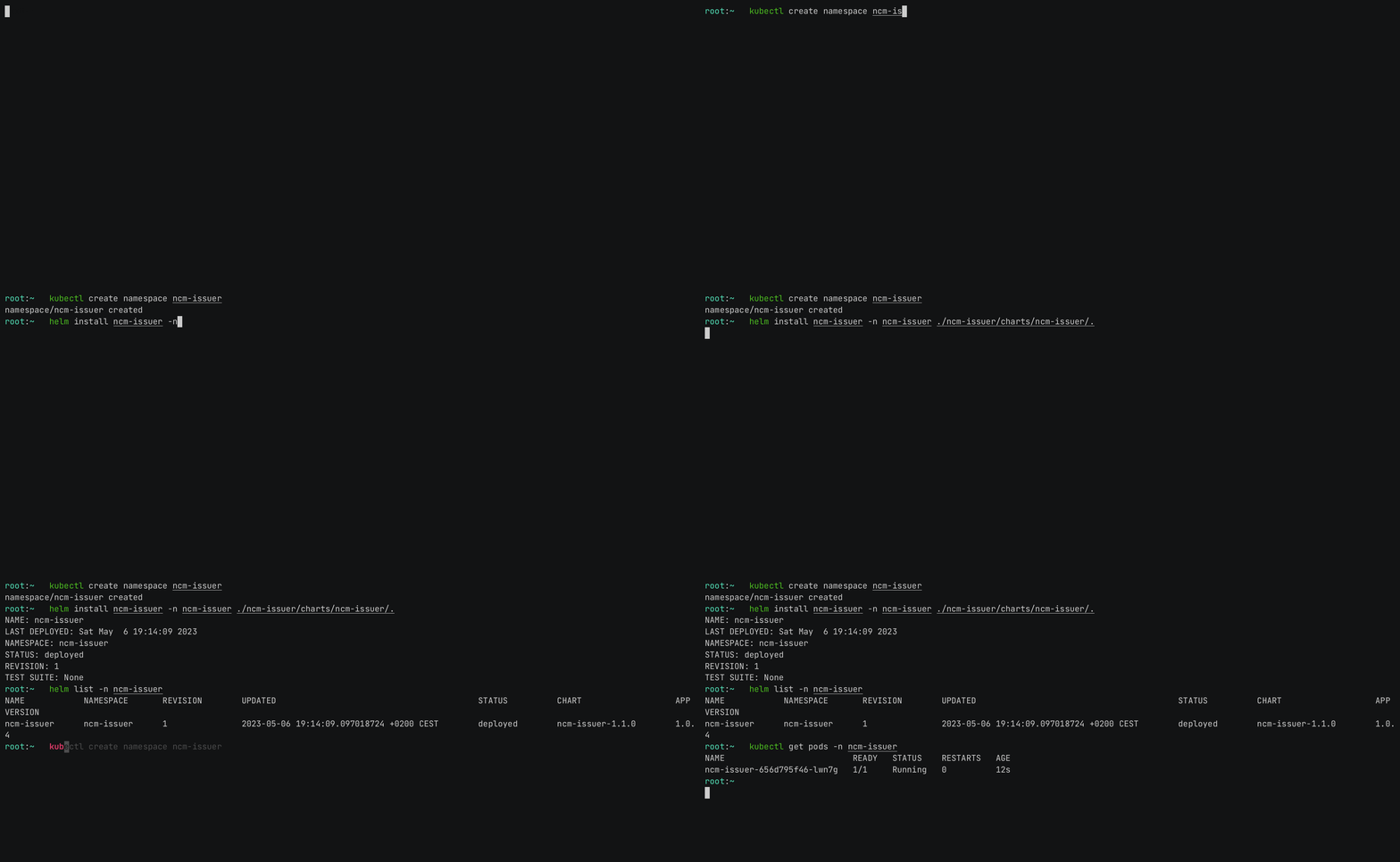
The chart is published on GitHub Pages as a public Helm chart repository at
https://nokia.github.io/ncm-issuer/charts (this URL is consumed by the helm CLI
which fetches /index.yaml from it).
Pick one of the three install flows below based on your situation. They are equivalent in the resulting deployment. The first flow does not require cloning the repository.
Note
The Helm repo alias nokia used below is just a local nickname picked at helm repo add.
You can use any name you want.
From the public Helm chart repository (recommended)
Add the repository:
Update your local Helm chart repository cache:
Install ncm-issuer:
To list available chart versions:
From a packaged chart (.tgz)
Useful when working offline or behind a corporate mirror. Pull the packaged chart:
This produces a file like ncm-issuer-<chart-version>.tgz in the current directory.
Install it directly:
helm install \
ncm-issuer ./ncm-issuer-<chart-version>.tgz \
--create-namespace --namespace ncm-issuer
You can also download the .tgz manually from the chart repository (URLs are listed in
index.yaml) or mirror it to
an internal artifact store before installing.
From a cloned repository (development / customization)
Use this flow if you want to modify the chart sources or build everything from main:
git clone https://github.com/nokia/ncm-issuer.git
cd ncm-issuer
helm install \
ncm-issuer ./helm \
--create-namespace --namespace ncm-issuer
Using own (local or remote) registry
In case you want to use your own registry, just change the value pointing to a specific registry
in the values.yaml file in directory that contains Helm files. Then just repeat the steps
mentioned above.
Note
Using this command will also change the registry pointing to the image location of sidecar. Bear this in mind if you want to use sidecar as well.
However, if you do not know where to get image from, because you cloned the repository just use the command:
or (if you also want to save image)
Saved image should appear in the path ./builds/ncm-issuer-images/.
Outbound HTTP(S) proxy
If the cluster has no direct egress to the NCM instance, you can configure proxy environment variables via the Helm chart; see Troubleshooting - Using an outbound HTTP(S) proxy.